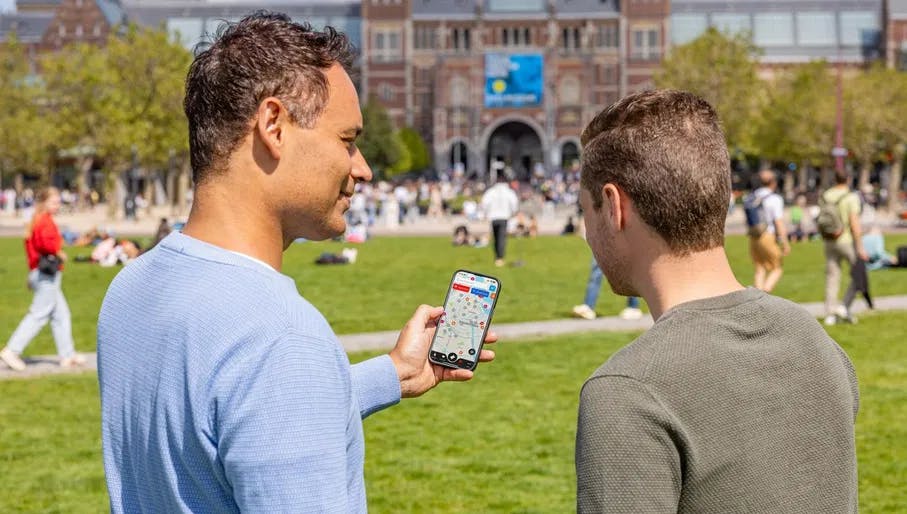
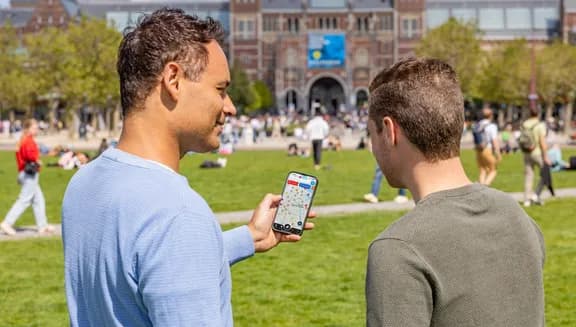
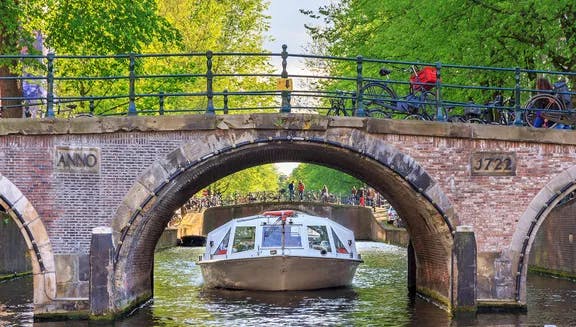
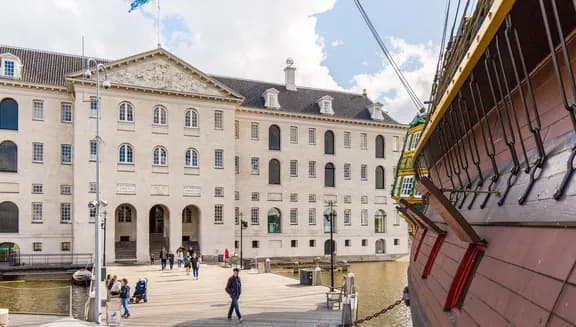
A couple at the Museumplein holding a city card map
Image from Koen Smilde

How to use the City Card

Last updated on 28 October 2026 at 09:01
Reading time: 3 minutes
Learn everything you need to know about how to use the I amsterdam City Card, how to visit attractions and use public transport, how to book timeslots and find out what is included in the card!

Choose your City Card

When you order the City Card, choose the desired card duration: 24, 48, 72, 96, or 120 hours. The countdown for the City Card only starts after the card's activation, which means you can buy your card in advance for your future trip. The City Card is valid for a year from purchase.

The I amsterdam City Card is available in a digital format.
How to use the digital City Card

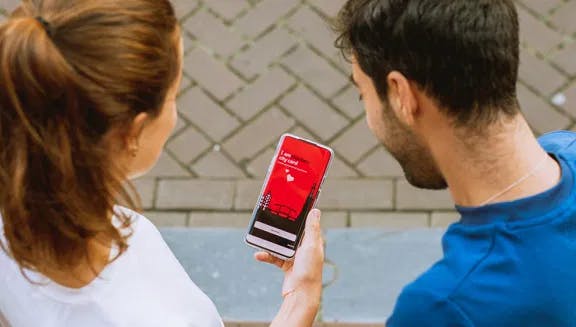
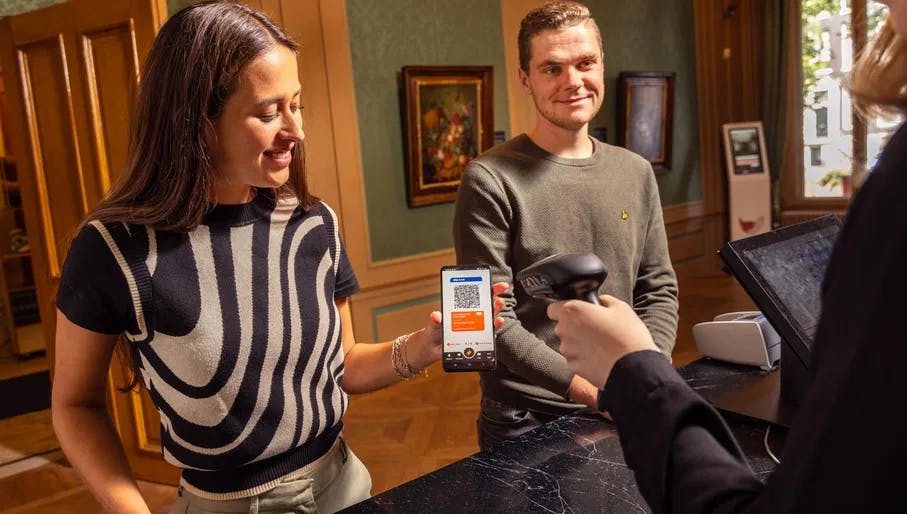
A couple checks-in at the museum desk with the digital City Card app.
Image from Roos Trommelen Photography

Digital City Card orders can be used directly on your smartphone through the I amsterdam City Card app.

  1. Order the digital City Card online. 
  2. Download the I amsterdam City Card app.
  3. Follow the app instructions to add your City Card to your account after purchase.
  4. Activate your City Card in the app only when you are in Amsterdam and ready to start exploring. 

Your City Card is now ready to use!

Important things to know about the digital City Card

  • The I amsterdam digital City Card can only be used through our app. You will not receive a physical card.
  • Don't forget to charge your smartphone as you won't be able to use the card if your phone is out of battery.
  • Through the app, you can transfer cards to your family members or friends and navigate the city through a map highlighting the best locations, exhibits and events. You can only transfer a card once.
Two men on Museumplein check the Digital City Card app together.
Image from Roos Trommelen Photography

What is included in the City Card

The I amsterdam City Card includes access to over 70 museums and top attractions in Amsterdam and the Amsterdam Metropolitan Area, including Zaanse Schans. Browse the full list of locations here or download the City Card booklet. 

See all City Card locations here

You will also gain access to:

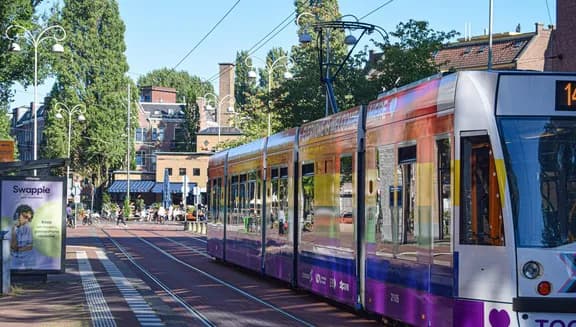
  • Unlimited city-wide public transport by GVB metro, tram, bus, and ferry for the duration of your card
  • One free Amsterdam canal cruise by a participating canal cruise company of your choice
  • One free canal cruise in Haarlem and a Rederij Volendam Marken ferry ride
  • 24h free bicycle rental
  • Discounts to museums, attractions, and more

How to use the card on public transport

  1. Place the phone with the QR code open under the scanner at the entrance to the metro, bus, or tram. If this doesn't work, seek assistance from an employee.
  2. Do not forget to check out in the same way on your exit.

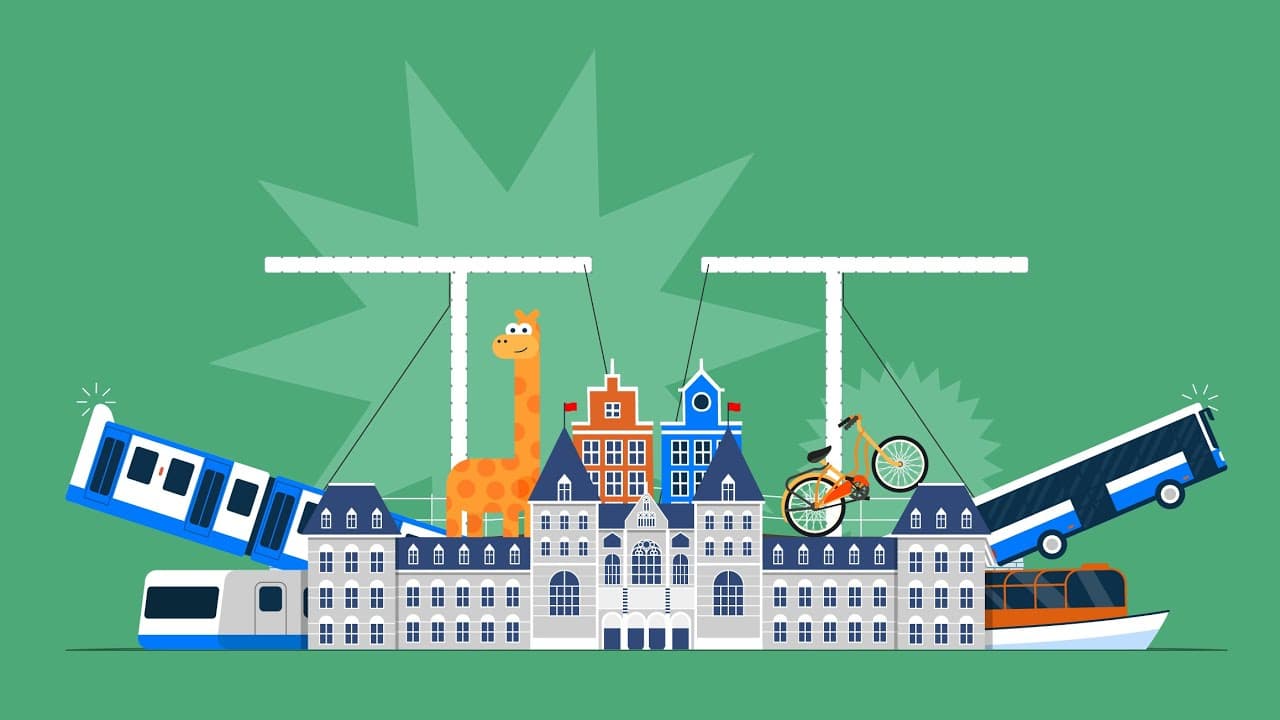
I amsterdam City Card – How does it work?

I amsterdam City Card – How does it work? - Video thumbnail

How to get access to included attractions and book timeslots

To gain entry to a location included in the City Card, simply show your City Card at the ticket office on your mobile phone. Make sure that your phone is sufficciently charged to ensure that you do not lose access to your digital City Card all day long.

For some museums you need to book a time slot in advance. Browse the list of our City Card locations to find whether a timeslot is required.

Do you have questions or issues? Contact our City Card support team at citycard@iamsterdam.com.